
Connect LinkedIn
LinkedIn is the best channel here for writing. Text posts and links go out cleanly, comments come back into Publiz, and you can reply and delete from the same screen you reply to YouTube from. It is the weakest for pictures, and it only posts as you, never as a company. Both of those are worth knowing before you connect it rather than after.
Connect it
Section titled “Connect it”-
Open Settings then Connected Accounts in your workspace and press Connect Account.
-
Pick LinkedIn. You’ll land on LinkedIn’s own sign-in and permission screen.
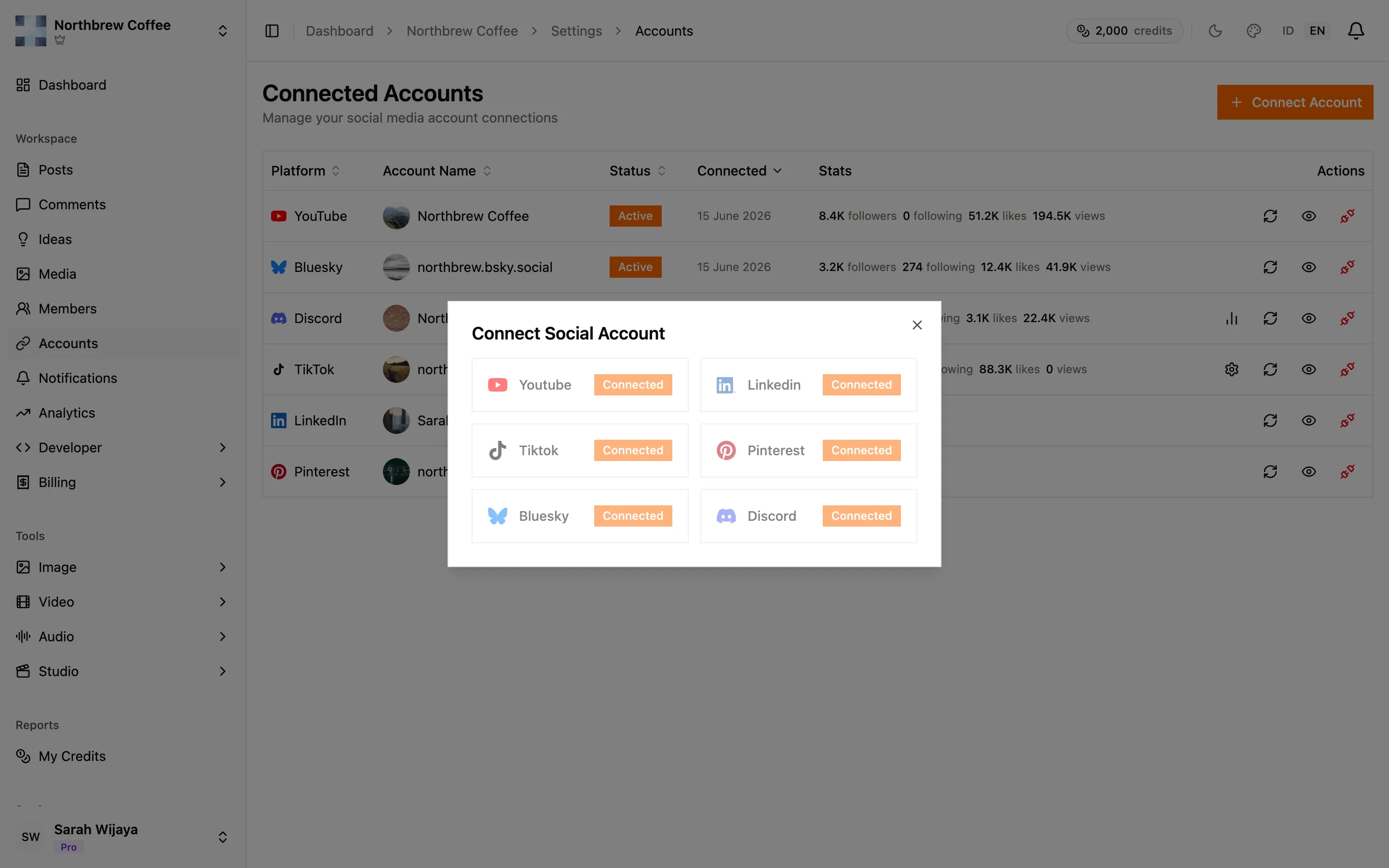
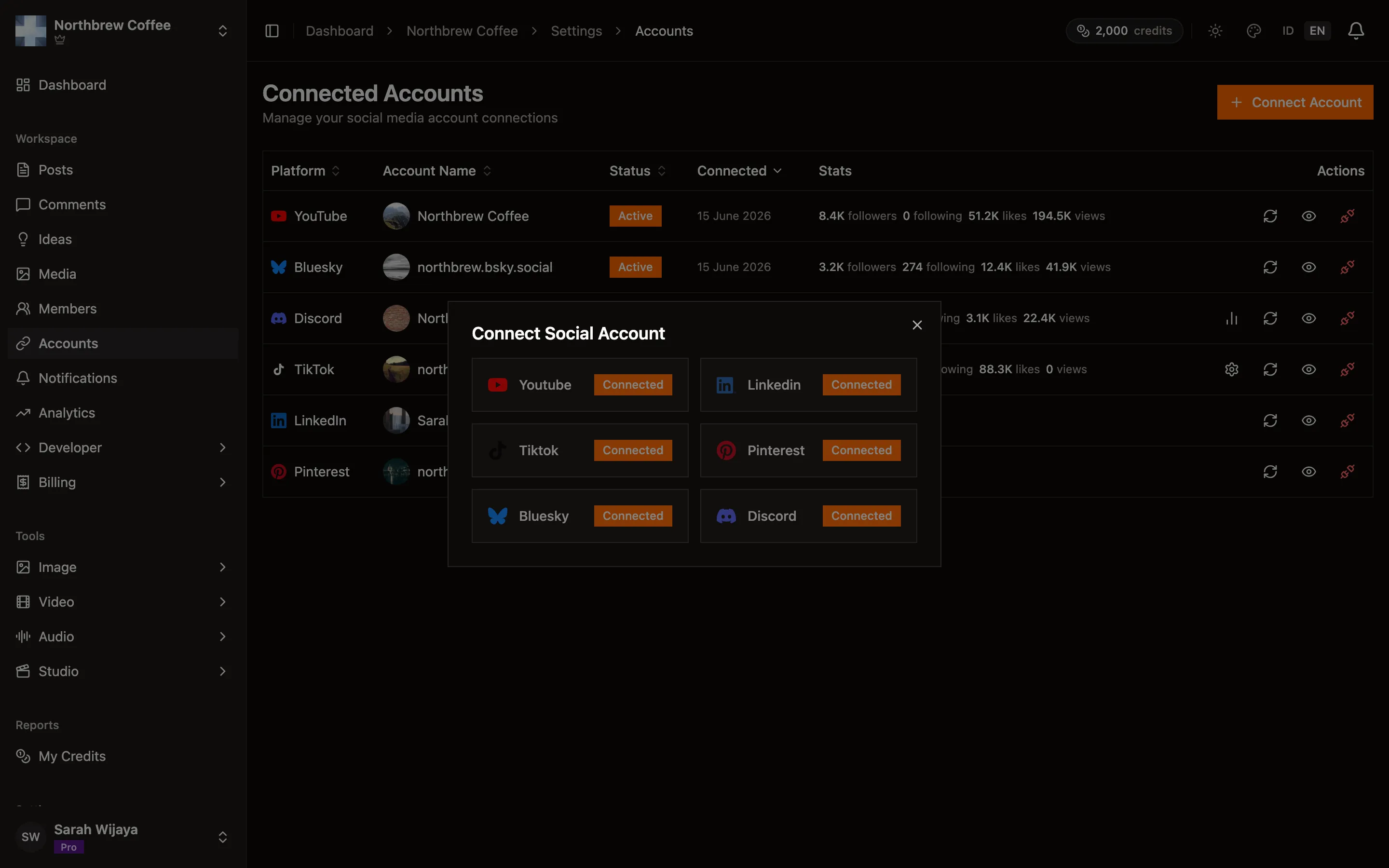
-
Sign in and approve. LinkedIn asks for your basic profile, your email address, and permission to post on your behalf.
-
You come back to Publiz and get asked which account to connect. Pick Personal.
What LinkedIn allows
Section titled “What LinkedIn allows”- Posts cap at 3,000 characters. That is the most generous limit of any channel here apart from YouTube descriptions.
- No direct image or video upload. Attach media and it goes out as a link that LinkedIn unfurls into a preview card, rather than as a photo in the post. It reads differently, and for a post that is mostly about the picture it reads worse. Use LinkedIn for writing, and put the photo-led version on a channel that uploads properly.
- Links work well. A link attachment becomes a normal LinkedIn preview card.
Options worth setting
Section titled “Options worth setting”Two settings show up in the composer when a LinkedIn account is selected:
- Post to — Anyone, or Connections only. Anyone unless you change it.
- Comments — who can comment on this post: Anyone, Connections only, or No one. Turning comments off is per post, so it is a reasonable way to publish an announcement you don’t want to moderate.
Comments
Section titled “Comments”Read, reply, and delete. You cannot hide a LinkedIn comment, because LinkedIn has no such thing. Deleting is the only way to take one down, and it is permanent. See comments.
When it doesn’t work
Section titled “When it doesn’t work”The account says Expired and posts stopped going out. LinkedIn access expires after a couple of months and, unlike TikTok and Pinterest, Publiz cannot renew it quietly in the background — LinkedIn doesn’t give us a way to. Watch for the “Expires in Xd” warning on the account row and press Reconnect before it lapses. This is the one channel that needs that bit of housekeeping.
Your image posted as a link preview instead of a photo. That is the limitation above, not a bug. Nothing you change in the composer will make LinkedIn host the file.
Reconnecting says the account doesn’t match. Reconnect resolves to whichever LinkedIn account that browser is signed in to, and it refuses to quietly repoint an existing connection at a different person. Sign out of LinkedIn in that browser, then reconnect as the right account. To genuinely swap accounts, delete the old one in Publiz first.