
Connect Pinterest
Pinterest is the simplest channel to connect and the only one where a post is a pin on a board. Connecting takes one click, and the interesting decision happens later, in the composer, where you choose the board.
Connect it
Section titled “Connect it”-
Open Settings then Connected Accounts and press Connect Account.
-
Pick Pinterest and approve the permission screen. Pinterest asks to read your account, and to read and create pins and boards.
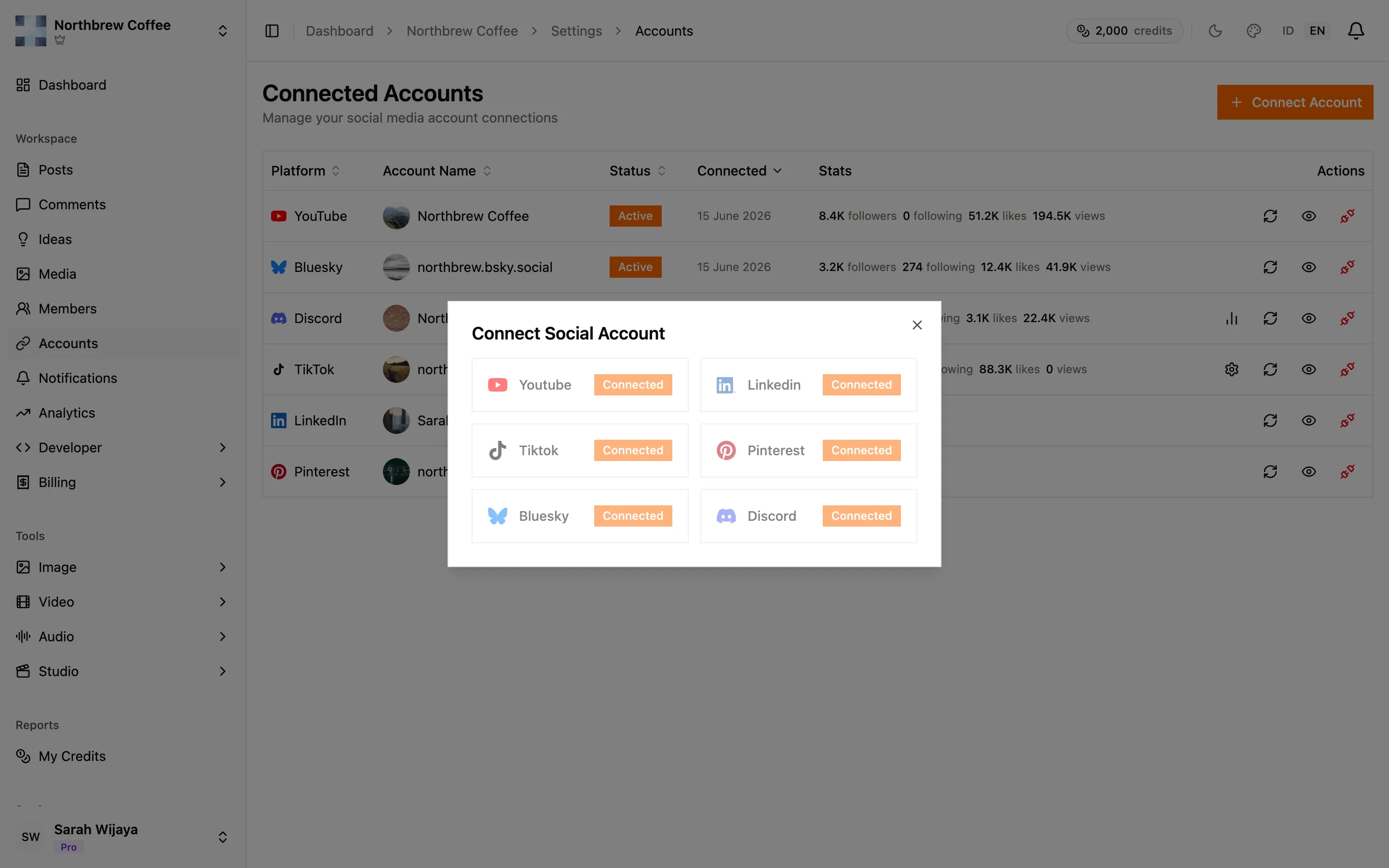
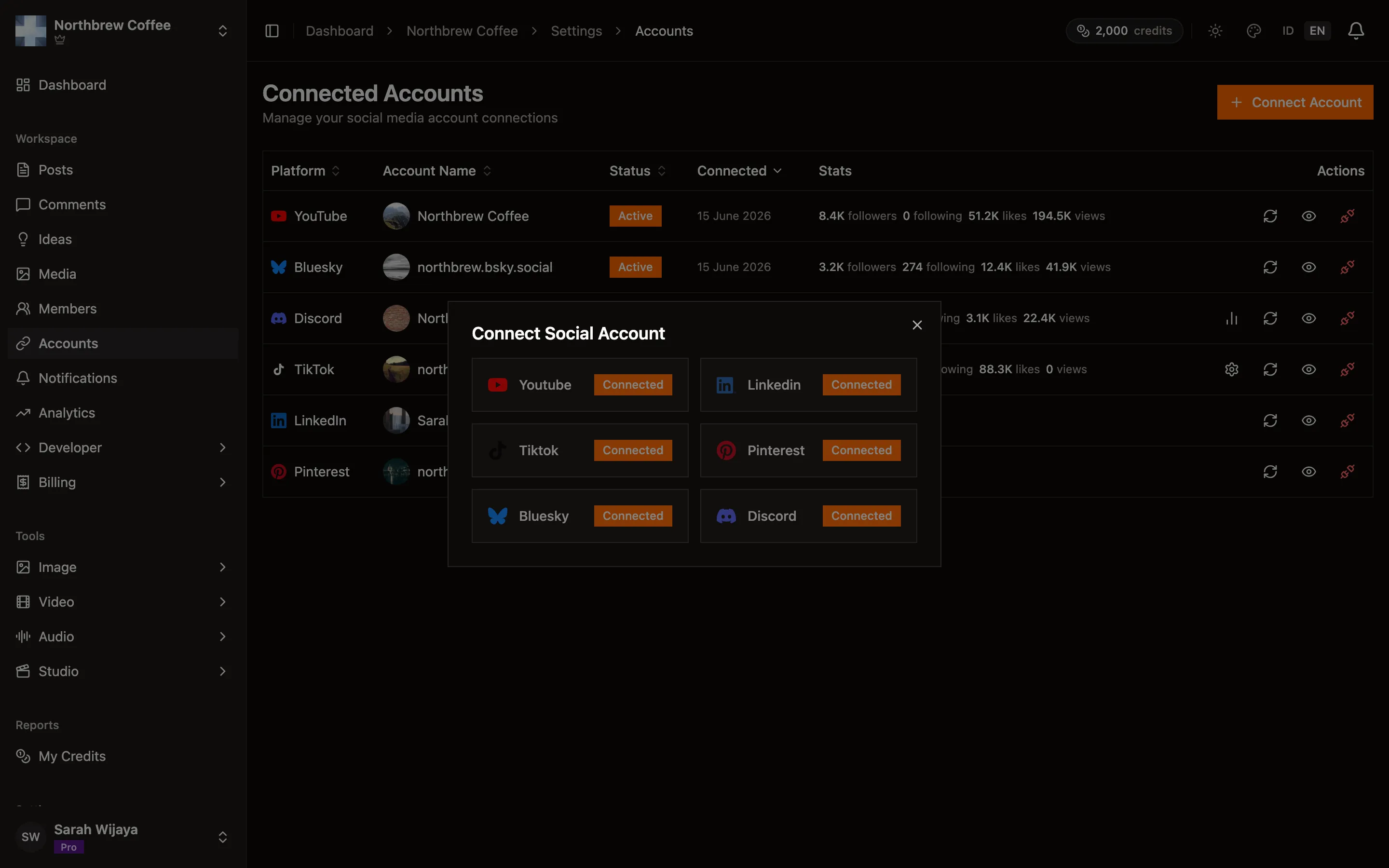
-
You come back and the account appears. That’s it, there’s nothing else to set up.
What Pinterest allows
Section titled “What Pinterest allows”- Every pin needs an image or a video. A text-only post is rejected, and the composer marks the platform amber until you attach something.
- Descriptions cap at 500 characters, and pin titles at 100.
- More than one image becomes a carousel pin.
- A single
.mp4or.movis uploaded as a video pin, which takes a little longer to go live because Pinterest processes it on their side.
Options worth setting
Section titled “Options worth setting”When a Pinterest account is selected, the composer shows:
- Board — required. Nothing can leave draft without one. The list is read live from your account, so a board you just made on Pinterest shows up after a refresh.
- Pin title — up to 100 characters. Left empty, Publiz uses the first line of your post.
- Description — up to 500. Left empty, it uses the rest of your post.
- Destination link — where the pin sends people. This is the one that matters most if you are pinning to drive traffic, and it is easy to forget.
Letting the title and description default is fine for a quick pin, but the first line of a caption written for several platforms rarely makes a good pin title. Worth a few seconds.
Comments
Section titled “Comments”None. Pinterest comments do not come into Publiz and cannot be replied to from here.
When it doesn’t work
Section titled “When it doesn’t work”The board list is empty. The account has no boards yet. Make one on Pinterest, then reopen the composer.
A board you used before has disappeared from the list. It was deleted or renamed on Pinterest. Publiz drops a board that no longer exists rather than publishing to nowhere, so pick a new one.
A video pin hasn’t appeared yet. Pinterest processes video after the upload finishes. Give it a few minutes before assuming it failed.
The connection stopped working. Pinterest access renews automatically every 12 hours. If it does lapse, the account row says so and Reconnect fixes it.