
Connect TikTok
TikTok is video-first and has more rules than any other channel here. Most of them are TikTok’s, not ours, and the composer enforces them up front so a scheduled post doesn’t fail at 6am. It has no comment support at all, and once something is published, Publiz cannot take it down again.
Connect it
Section titled “Connect it”-
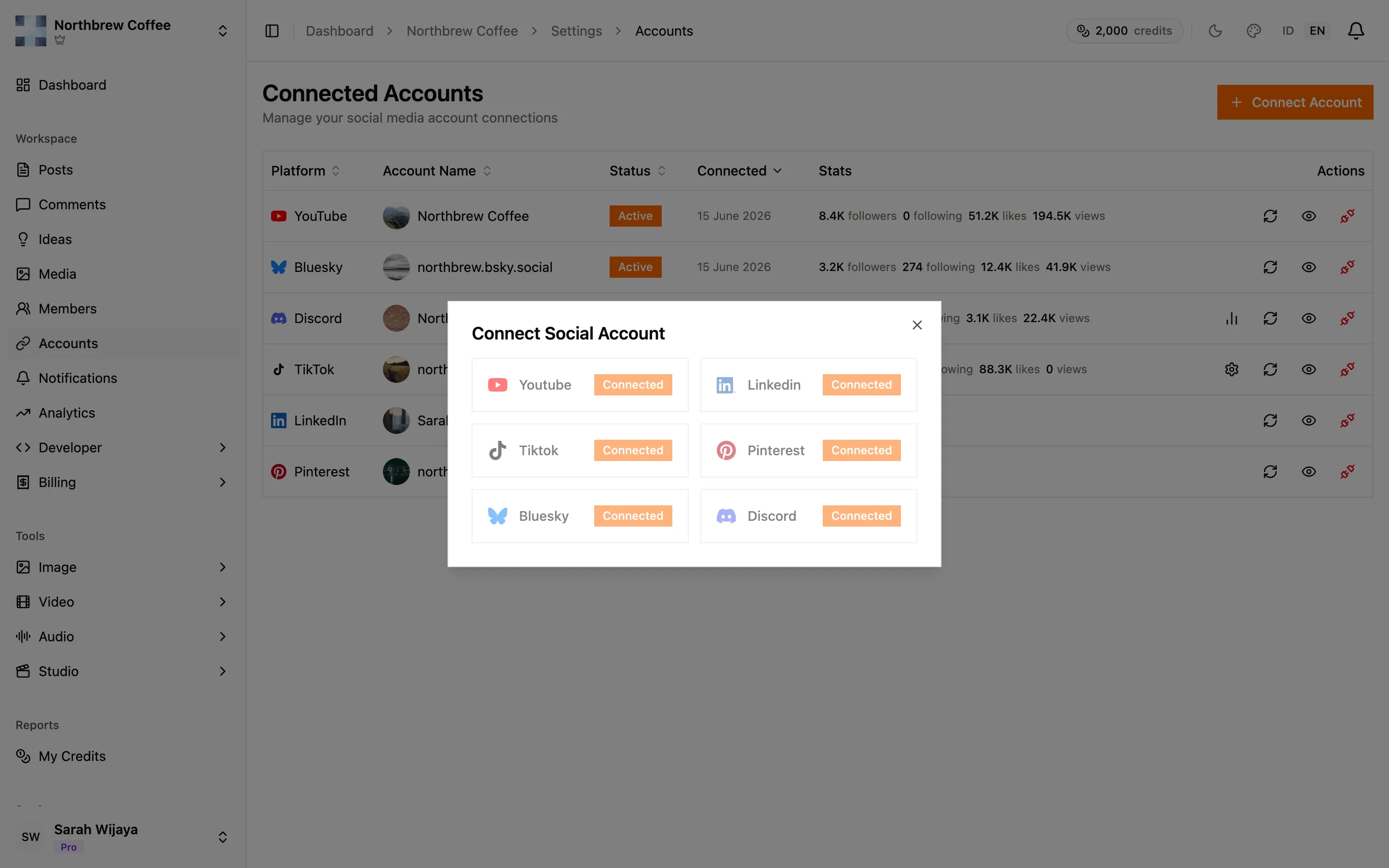
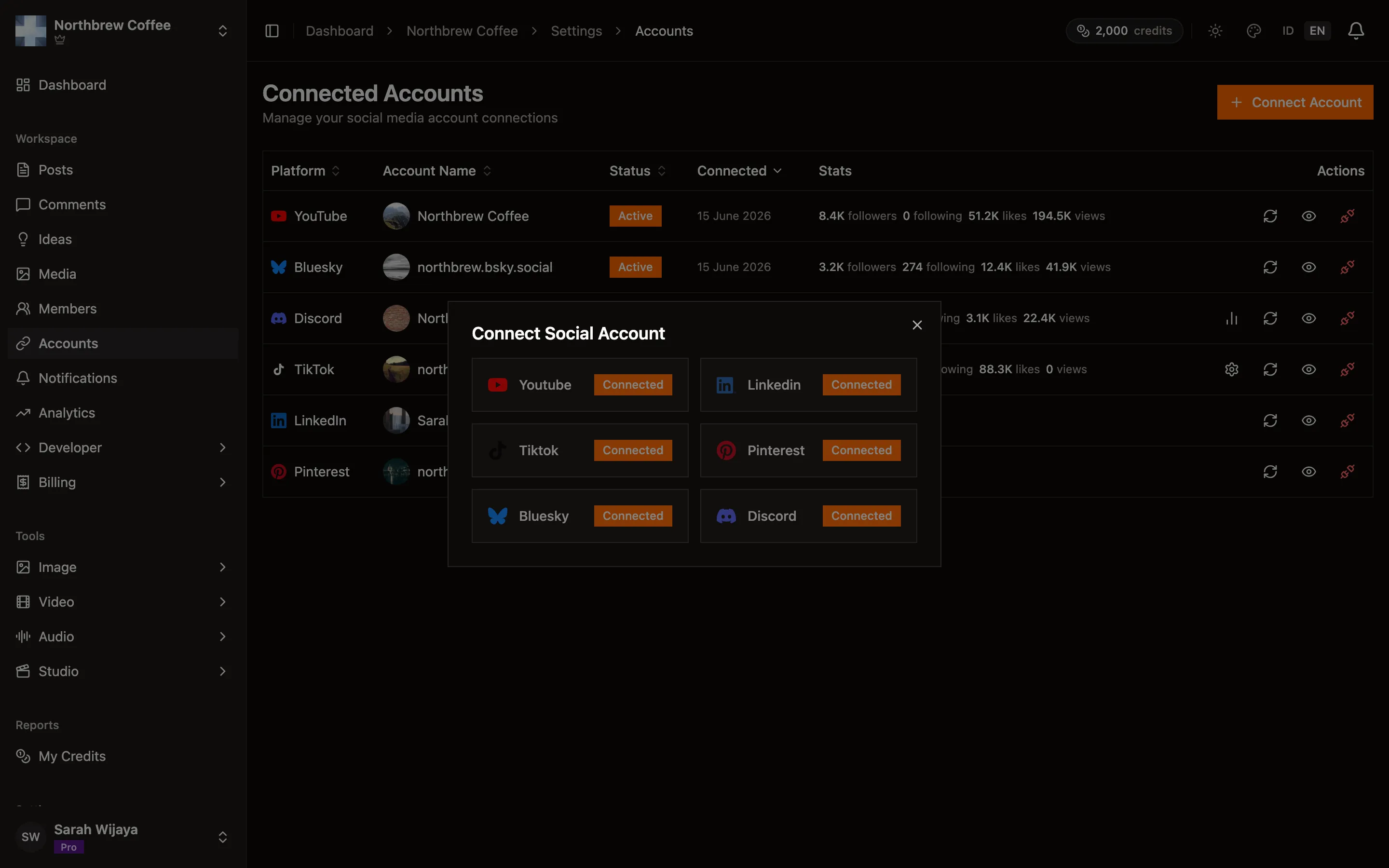
Open Settings then Connected Accounts and press Connect Account.
-
Pick TikTok and approve the permission screen. TikTok asks to read your profile and your video list, and to publish videos.
-
You come back and the account appears with its avatar and handle.
-
Open the gear icon on the TikTok row and set a default post privacy. TikTok requires a privacy level on every post, so setting the default here saves answering it every time.
What TikTok allows
Section titled “What TikTok allows”- Video, or a photo slideshow. Never text on its own. The composer marks the platform amber and refuses anything but a draft until you attach media.
- Captions cap at 2,200 characters.
- Up to 35 images in a photo post.
- No GIFs. Convert to MP4 or JPEG first.
- Don’t mix photos and a video in one post. TikTok treats those as two different kinds of post. Split them into two.
- Videos have a maximum length set by your own account, and the composer checks the file against it before you schedule rather than letting TikTok reject it later.
Options worth setting
Section titled “Options worth setting”TikTok has more per-post settings than anything else here:
- Send to TikTok inbox (video only) sends the post to the app as a draft instead of publishing it, so you can add effects and sounds there and post by hand. Turning it on greys out everything below, because at that point TikTok owns those choices.
- Auto-add background music (photo posts only). You can’t choose the specific track through the API.
- Who can see this post — the list from your account, as described above.
- Comment, Duet and Stitch switches. Each one is disabled here if you’ve disabled it in your own TikTok privacy settings, so if a switch won’t move, the fix is in the TikTok app.
- Disclose post content — Your Brand for promotional content, Branded Content for a paid partnership. Branded Content cannot be combined with a private post, and TikTok rejects it.
The composer always shows TikTok’s Music Usage Confirmation link, and the Branded Content Policy link when that toggle is on. Those are TikTok’s terms, worth a read the first time.
Comments
Section titled “Comments”None. TikTok does not open comment access to apps at our level, so TikTok comments do not appear in Publiz and cannot be replied to from here. Use the TikTok app.
When it doesn’t work
Section titled “When it doesn’t work”Everything publishes as private. The audit issue above. Nothing in the composer overrides it.
A video failed with a length error. The clip is longer than your account’s maximum. The composer normally catches this before scheduling, but a file swapped in later can slip past.
The account went inactive on its own. TikTok access is renewed automatically every 12 hours, and again on the spot if a publish hits an expired token, so this is rare. When it does happen you get a notification telling you to reconnect.
You want to post the same clip to two TikTok accounts. One TikTok account per workspace. A second account means a second workspace, which is free of extra channels of its own. See channels overview.