
Compose a post
One composer covers every channel. You write once, tweak per platform where it matters, and see what each one will look like before it goes out.
Open it from Posts with Create Post, or by clicking a day in the calendar, which starts the post scheduled for that day.
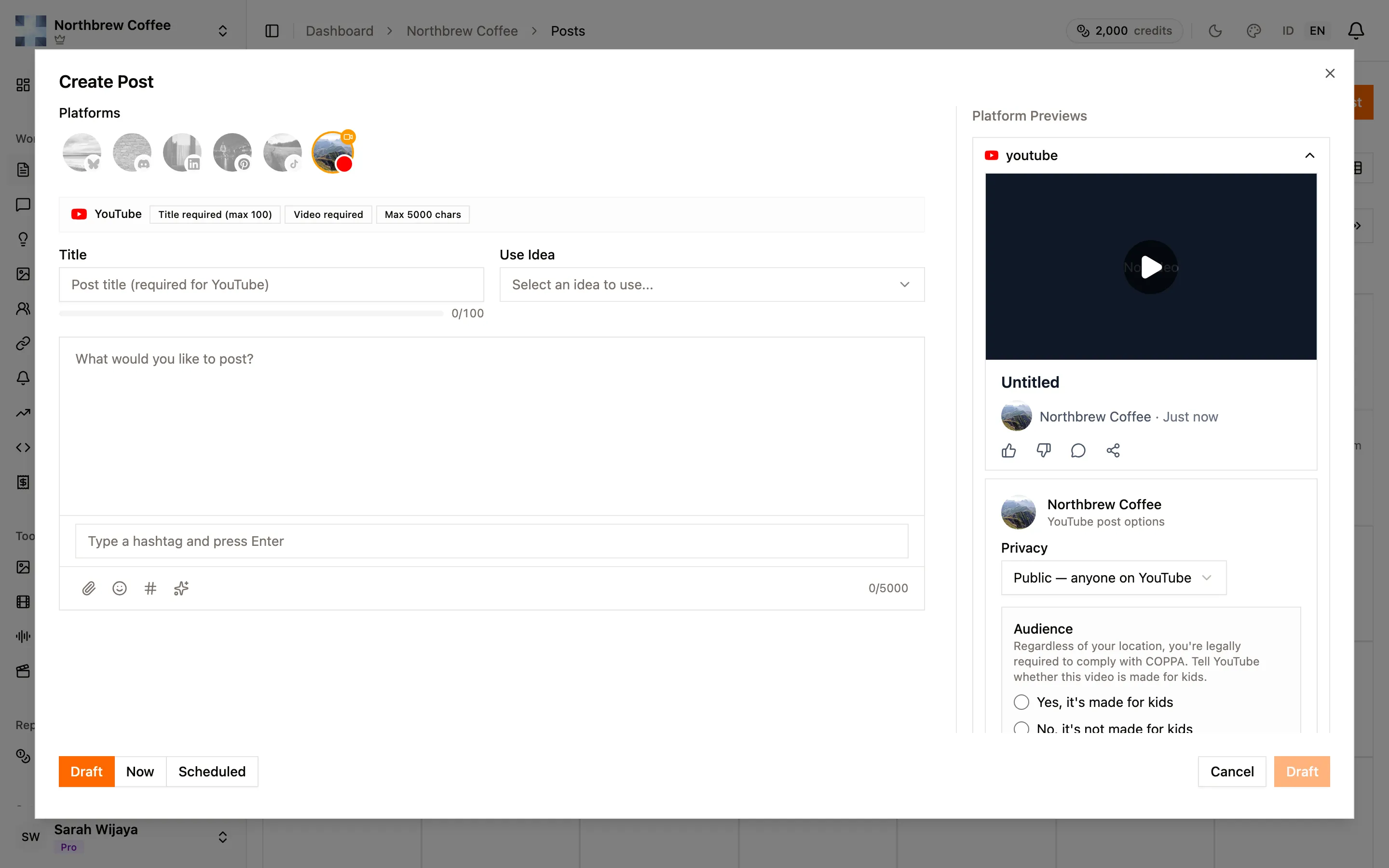
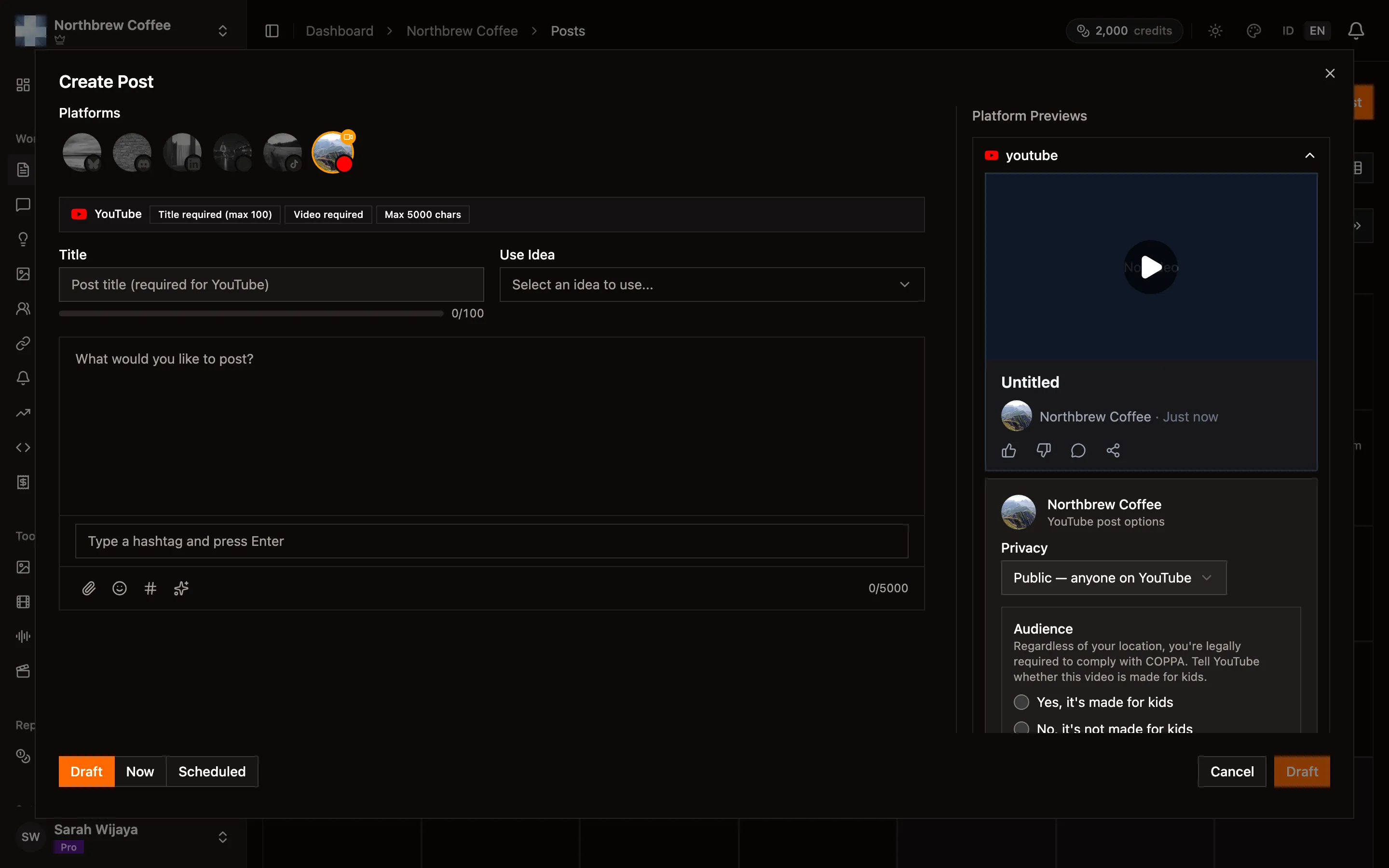
Pick your platforms
Section titled “Pick your platforms”The row of avatars at the top is your connected accounts. Click to include one.
Two things to watch for:
- An amber ring means that platform needs something you haven’t given it, almost always media. YouTube needs a video, TikTok and Pinterest need an image or a video. You can still save a draft, but you can’t publish or schedule until it’s satisfied.
- The badges next to each platform name spell out its rules: Title required (max 100), Video required, Max 5000 chars.
Turning a platform off discards anything you customised just for it.
Write once, adjust per platform
Section titled “Write once, adjust per platform”The big box on the left is the shared caption, and it feeds every platform you picked. On the right, each platform gets its own panel with a live preview.
Type into a platform’s own box and it detaches from the shared caption, so you can rewrite the LinkedIn version without disturbing the rest. A Reset button reattaches it.
The character counter on the shared box counts against the strictest limit among the platforms you’ve selected, which is usually Bluesky at 300. Each preview counts against its own limit, and text over the limit shows struck through. It doesn’t stop you publishing, it just gets cut off.
| Channel | Caption limit |
|---|---|
| Bluesky | 300 |
| 500 | |
| Discord | 2,000 |
| TikTok | 2,200 |
| 3,000 | |
| YouTube | 5,000 |
Previews also show where each platform truncates before a “see more” link, which is a better reason to front-load your first sentence than any general advice about hooks. LinkedIn cuts at 210 characters, YouTube at 150, TikTok at 90, Pinterest at 50.
Attach media from the paperclip: upload a file, paste a URL, pull from your media library, or search Unsplash and Pexels without leaving the composer. Stock photo credits are kept and added automatically.
- Drag the thumbnails to reorder them. On a carousel post the order is the order people see.
- Each image takes alt text, which is worth filling in.
- A platform can have its own media instead of the shared set, set from its panel.
Every channel has its own media rules, and they are stricter than people expect. Bluesky’s 1 MB per image and Discord’s 20 MB per file catch the most people out. The channel pages list them.
Title, hashtags, and ideas
Section titled “Title, hashtags, and ideas”- Title is one field shared by every platform. YouTube requires it and caps it at 100 characters. Pinterest falls back to the first line of your caption if you leave it empty.
- Hashtags are added per platform, and only where you’ve switched that platform’s hashtag toggle on. On YouTube they become video tags.
- Use Idea pulls in something you saved in content ideas, filling in the title, caption and tags.
Publish, schedule, or save
Section titled “Publish, schedule, or save”The footer has three choices:
- Draft saves without sending. Drafts count against a per-plan limit.
- Now publishes immediately.
- Scheduled reveals a date and time picker. See scheduling.
If publishing is refused, the message says which platform and why. The usual ones:
- Tell us whether this video is made for kids — YouTube’s COPPA declaration, and it has no default on purpose.
- Pick a destination board for this Pinterest post — Pinterest needs a board.
- A missing TikTok privacy level.
- An amber platform whose media requirement isn’t met.
Once a post is publishing or published it can’t be edited. Failed ones can be retried, and drafts and scheduled posts can be edited freely.